API Key Authentication
API key auth is disabled by default. In that mode, only local requests to the protected proxy routes can proceed without a key; non-local requests are rejected until proxy authentication is configured. Enable it in Settings → API Key Auth on the dashboard when clients connect remotely or through Docker, VM, or container networking that appears non-local to the service.
When enabled, clients must pass a valid API key as a Bearer token:
Authorization: Bearer sk-clb-...
Protected routes
The protected proxy routes covered by this setting are:
/v1/*(except/v1/usage, which always requires a valid key)/backend-api/codex/*/backend-api/transcribe
Creating keys
Dashboard → API Keys → Create. The full key is shown only once at creation. Keys support optional expiration, model restrictions, and rate limits (tokens / cost per day / week / month).
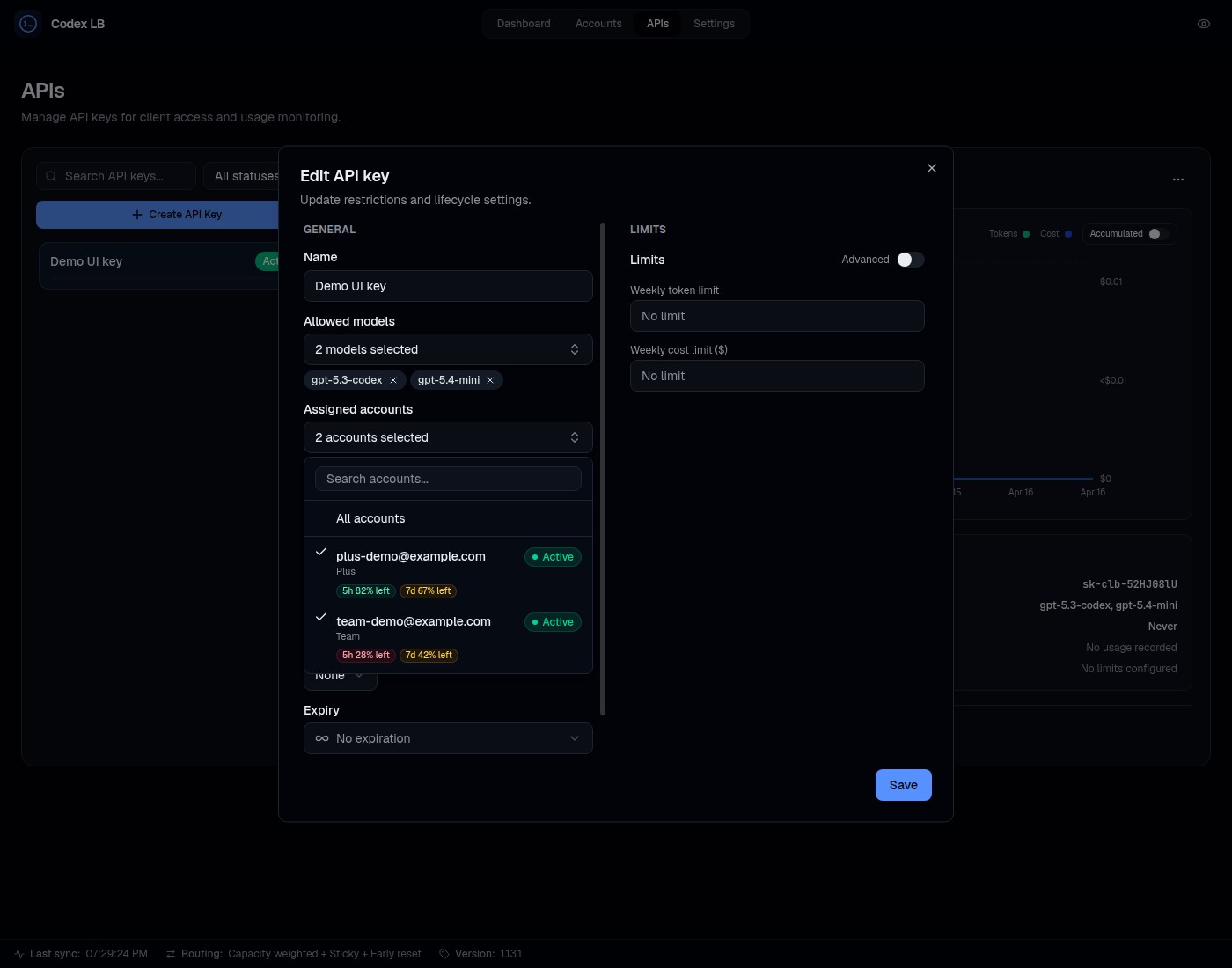
Keys can also be scoped to specific accounts, so a key draws quota only from the accounts assigned to it:
Reasoning effort policies
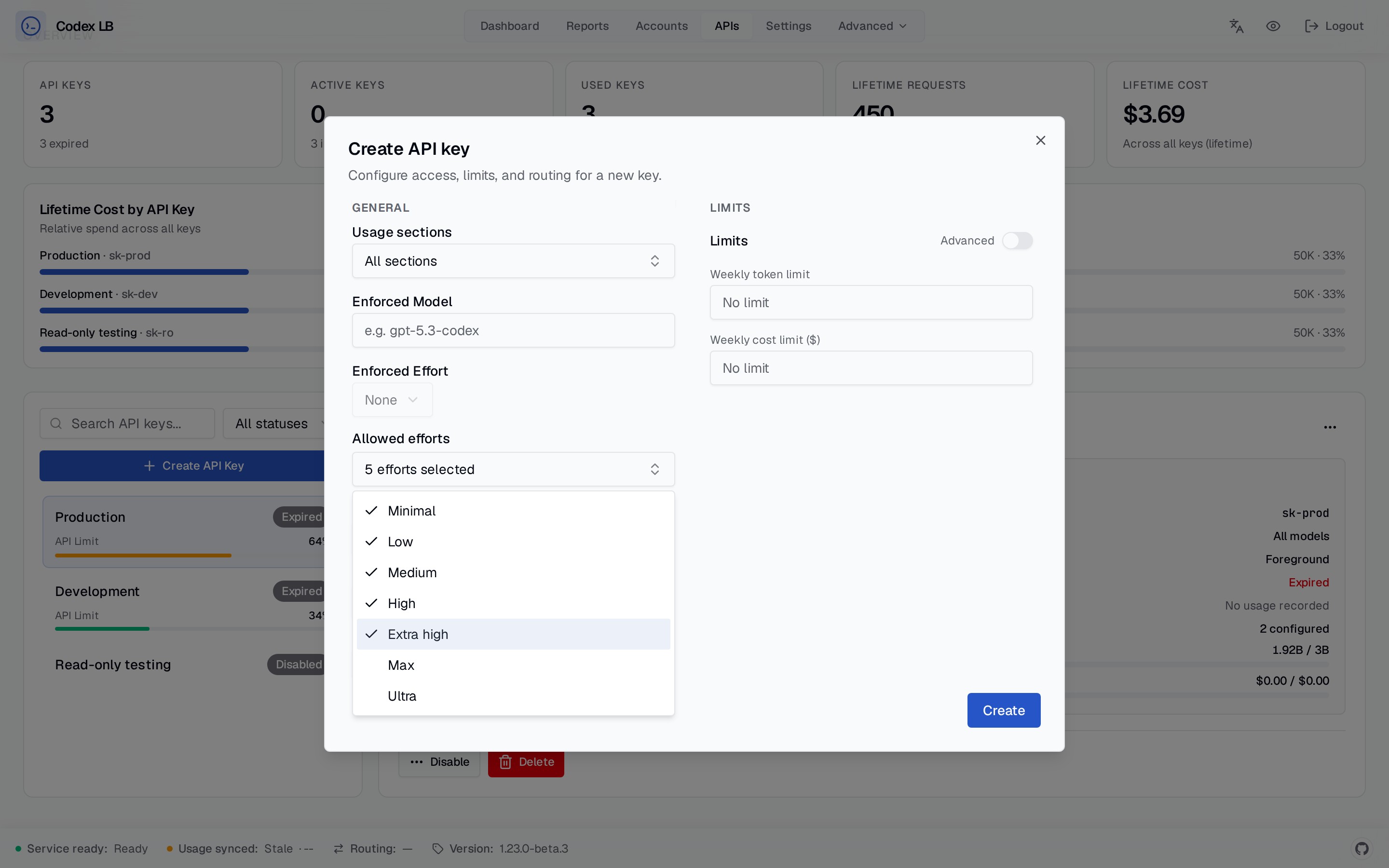
A key can either enforce one reasoning effort or allow a selected non-empty set of client-requested efforts.
Leave the allowed-efforts selection empty to keep the existing unrestricted behavior. A request that explicitly
sets an effort outside its key's allowlist receives a 403 reasoning_effort_not_allowed response. Requests that
omit a reasoning effort continue to use the model or upstream default.
The policy evaluates the effort selected by the client, including supported model aliases such as -xhigh.
Each configured effort is distinct: allowing high does not allow xhigh, and allowing max does not allow
ultra. The proxy still rewrites an allowed ultra request to the upstream wire value max.
For wiring keys into each client, see Client Setup.
Spec: api-keys